
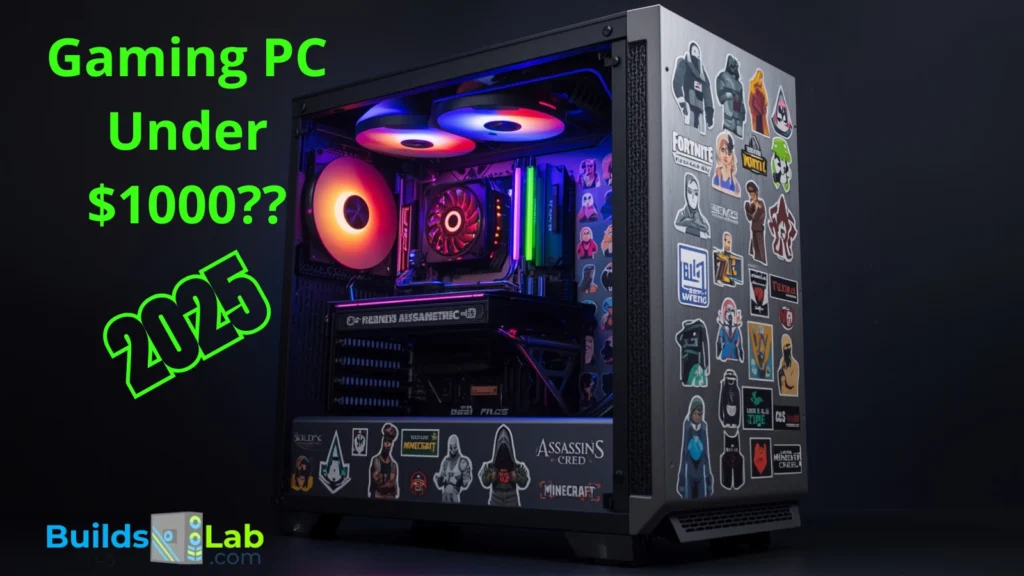
Building a gaming PC in 2025 with a budget around $1000 is absolutely possible, but to do it well, you need to understand where to invest and where to be flexible. The goal isn’t just to hit the budget. It’s to get the best experience, consistent frame rates and the kind of thermal and upgrade headroom that makes this system last years
This guide walks you through the most realistic and performance-optimized build, using the latest parts, current 2025 prices, and expert picks that balance cost, power and futureproofing
Why $1000 is the Smart Gaming PC Budget in 2025
You get the performance benefits of the latest generation of GPUs like the RTX 4060, and enough CPU power with the Ryzen 5 7600, or even the Zen 5 Ryzen 9000 series if your local prices allow
Updated Core Parts List for a Realistic $1000 Build in 2025
| Component | Recommended Part | Price (2025) | Why This Pick Works in 2025 |
|---|---|---|---|
| CPU | AMD Ryzen 5 7600 | $230 | Powerful, efficient, and widely available |
| Cooler | Thermalright Peerless Assassin 120 SE | $40 | Quiet, efficient cooling for modern CPUs |
| GPU | NVIDIA RTX 4060 8GB or AMD RX 9060 XT | $310 | Solid 1080p/1440p performance with DLSS or higher VRAM |
| Motherboard | B850M Wi-Fi (AM5) | $130 | New-gen chipset with DDR5 and PCIe 5.0 support |
| RAM | 32GB (2x16GB) DDR5-6000 | $85 | The new 2025 minimum for modern games |
| Storage | 1TB PCIe Gen 4 NVMe SSD | $60 | Fast, future-proof storage for large games |
| PSU | 650W 80+ Gold Certified | $70 | Reliable and efficient with future headroom |
| Case | NZXT H5 Flow or Fractal Pop Air | $90 | Solid airflow, easy build experience |
Estimated Total: $1015 – $1025
If you need to shave off $20 to hit $999, consider downgrading to a non-RGB case or a budget 80+ Bronze PSU (though not recommended for future GPU upgrades).
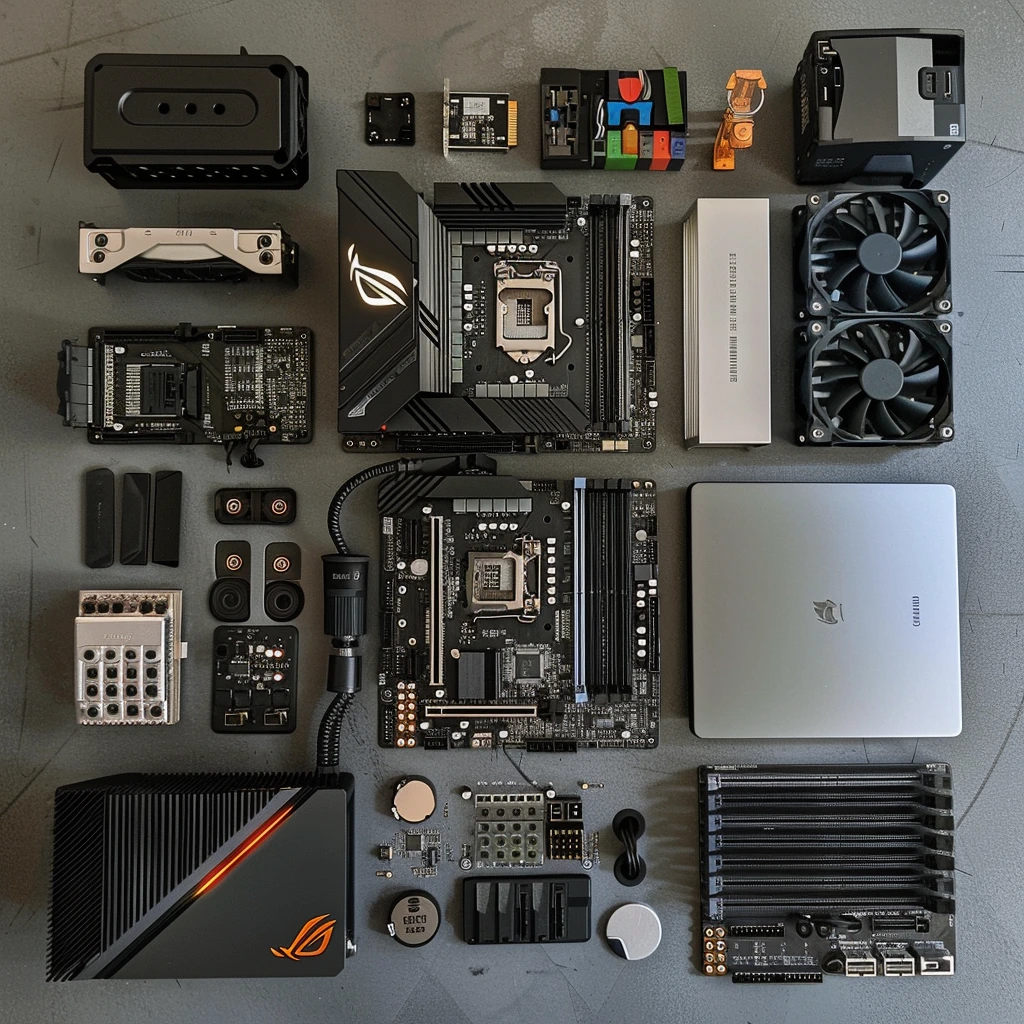
CPU and Cooling: Ryzen Power with the Right Thermals
The Ryzen 5 7600 remains one of the most efficient CPUs for gaming. But here’s the catch: modern Ryzen chips like the 7600 or 9600X don’t come with effective coolers anymore. And even if they do, they’re often loud or underwhelming
That’s why we recommend adding the $40 Thermalright Peerless Assassin 120 SE, a dual-tower cooler that keeps things cool and quiet even under load. It’s a minor investment that goes a long way in ensuring your build stays stable, quiet and upgrade-read
GPU Selection: RTX 4060 or RX 9060 XT?
The RTX 4060 is still a top contender in this bracket thanks to its DLSS 3.5 support and energy efficiency. It’s ideal for 1080p Ultra settings and performs well at 1440p in most titles
But there’s a strong competitor in 2025: the AMD RX 9060 XT, which often features 16GB of VRAM and better raw rasterization performance at a similar price
If you value higher frame rates in non-DLSS games or want more memory for texture-heavy games or mods, the RX 9060 XT is worth a close look
Motherboard: Go B850 for Forward Compatibility
A B850M Wi-Fi board is the safest pick now. It supports all the latest Ryzen 7000 and 9000 series CPUs, features DDR5 memory slots, and often includes PCIe 5.0 support for M.2 SSDs, which might matter in future workloads
The older B650 boards are still available and cheaper, but if you want to stay current and have better I/O options, B850 is the way to go
RAM and Storage: Why 32GB is the Smart Move in 2025
Back in 2022 or 2023, 16GB of RAM was more than enough. But in 2025, 32GB is quickly
becoming the baseline
Games like Cyberpunk 2077, Starfield, and modern online shooters can easily eat up 16GB,
especially when paired with apps like Discord, Chrome, or game launchers in the background
You’ll find 32GB DDR5-6000 kits for $85 or less, and going with 2x16GB gives you stability,
dual-channel performance, and futureproofing, all for less than what an upgrade later would
cost
Recommendation: Crucial, Corsair Vengeance, or TeamGroup DDR5-6000 2x16GB kits
Power Supply and Case: Stay Reliable and Cool
A 650W 80+ Gold PSU from a name brand is enough for this build and leaves you headroom
for future GPUs like the RTX 4070 or RX 7700 series. Avoid no-name units: power stability
affects your entire build
As for cases, both the NZXT H5 Flow and the Fractal Pop Air offer strong airflow, simple cable
management and clean designs. You’ll enjoy building in them, even if it’s your first time
Performance Benchmarks: Real Game FPS with This Build
Here’s what you can expect in real-world gaming performance with this setup:
| Game (2025) | 1080p Ultra | 1440p High | 4K Medium |
| Cyberpunk 2077 (No RT) | 95 FPS | 70 FPS | 45 FPS |
| Starfield | 85 FPS | 60 FPS | 38 FPS |
| Call of Duty: MW3 | 160 FPS | 120 FPS | 75 FPS |
| Fortnite (Performance Mode) | 240 FPS | 165 FPS | 100 FPS |
You’ll breeze through 1080p gaming, cruise at 60 FPS+ in 1440p, and can even dabble in 4K if you’re willing to tweak settings
Optional Upgrades to Consider Later
● Add RGB or a higher-end case if aesthetics matter to you
● Upgrade to a Gen 5 SSD later when prices drop and if load speed becomes a bottleneck
● Upgrade your monitor to 1440p 165Hz, which lets this GPU shine
Final Thoughts: Is This the Best Gaming PC Build Under $1000 in 2025?
This build checks all the boxes:
- ✅ Smooth 1080p and 1440p gaming
- ✅ Quiet thermals with the aftermarket cooler
- ✅ Enough RAM and storage for modern titles
- ✅ Clear path to future upgrades on the AM5 platform
Honest Budget Assessment
This PC build totals around $1015 to $1025 in most regions. If you must hit exactly $999,
you’ll have to make some cuts; maybe drop to a Bronze-rated PSU or a cheaper case: but we
strongly recommend aiming for the extra $20 investment to get 32GB of RAM and reliable
cooling
Those two upgrades will give you smoother gameplay now and save you money later