Looking for the best PC build for Chrono Odyssey in 2026? Discover this detailed Unreal Engine 5 hardware guide: from GPUs and CPUs to RAM, NVMe, and cooling; optimized for 1440p ray tracing and long-term gaming performance.
Latest Release News: Chrono Odyssey Delay
Chrono Odyssey’s launch window has shifted significantly compared to earlier expectations. According to a recent financial report from its publisher, Kakao Games, Chrono Odyssey was delayed from its original 2025/2026 window into late 2026, partly due to extended development and rework after playtests. This means players and PC builders are planning for a game that might not arrive until Q4 2026 or even early 2027, which affects whether people should build now, wait for GPU price drops, or consider holding for next-gen hardware cycles.
Why Chrono Odyssey Is a Hardware-Heavy UE5 Title
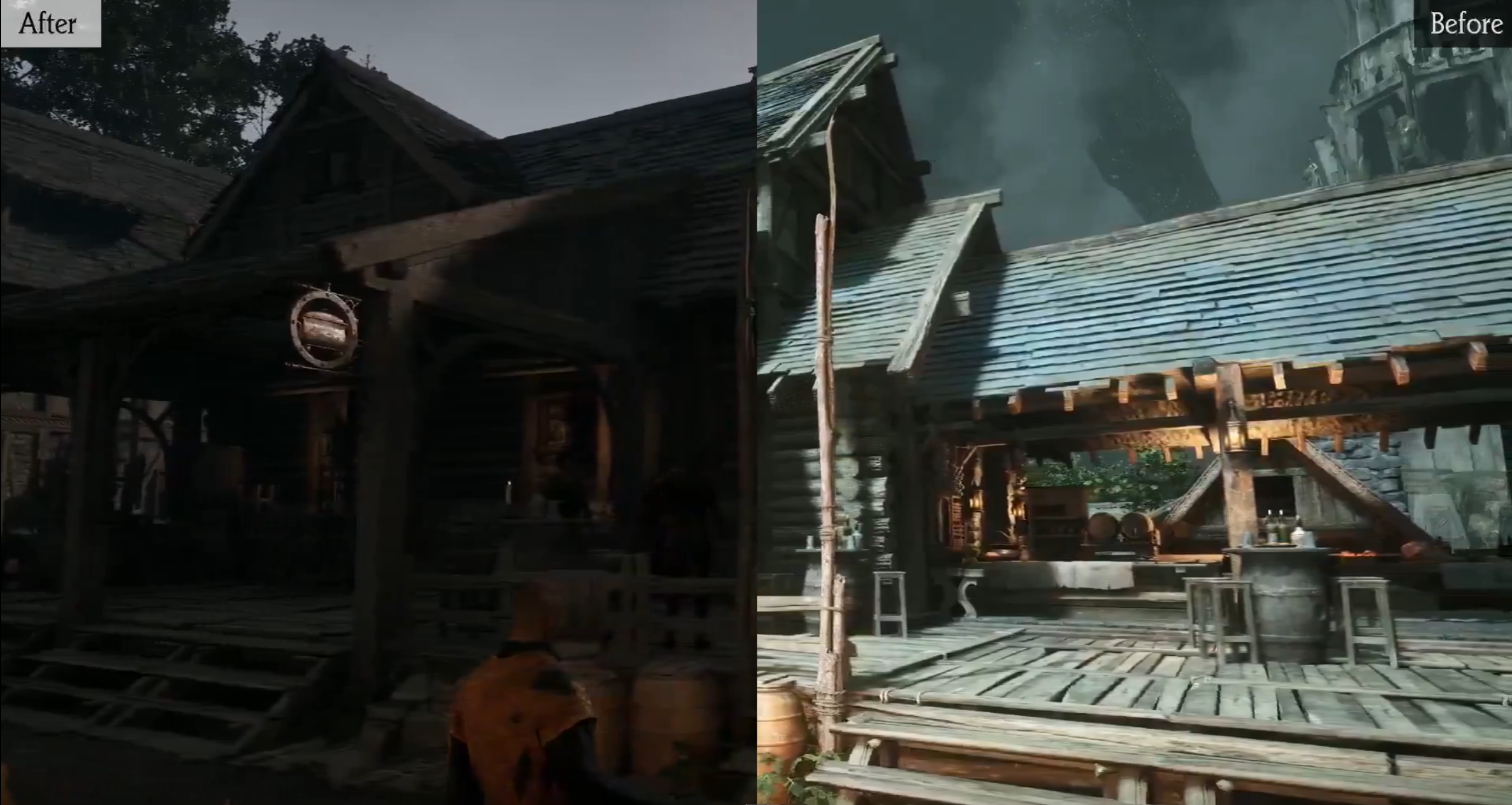

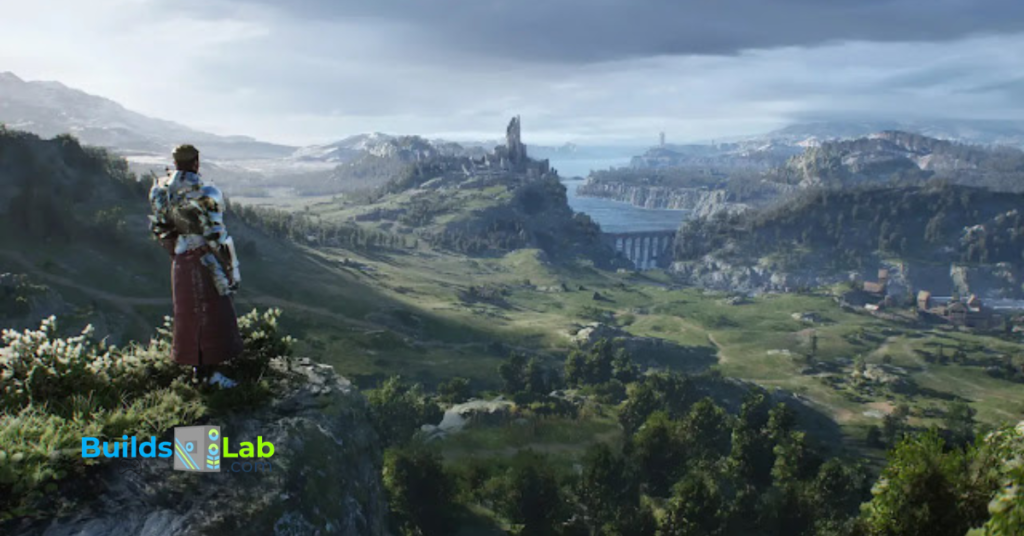
Chrono Odyssey, the highly anticipated MMORPG from NPIXEL, represents the full potential of Unreal Engine 5. With technologies like Nanite virtualized geometry, Lumen real-time lighting, and hardware-accelerated ray tracing, this game redefines open-world fidelity.
Unlike older MMOs, Chrono Odyssey’s massive environments render millions of polygons in real time, with physically accurate reflections and light behavior. This fidelity, however, comes at a cost: hardware horsepower.
The 1440p resolution stands out as the perfect middle ground. It offers higher clarity than 1080p but doesn’t punish your GPU like 4K does. It’s the sweet spot for visual enthusiasts and competitive gamers alike in 2026.
This guide breaks down everything you need to run Chrono Odyssey smoothly and beautifully, whether you’re on a budget or building a no-compromise powerhouse.
1️⃣ Can You Run Chrono Odyssey? (System Requirements Breakdown)
Official vs Real-World Requirements
| Specification | Minimum (Est.) | Recommended (Official) | Real-World for 1440p + RT |
|---|---|---|---|
| CPU | Ryzen 5 5600 / i5-12600K | Ryzen 7 5800X / i7-13700K | Ryzen 7 9800X3D / i7-15700K |
| GPU | RTX 3060 / RX 6700 XT | RTX 4070 / RX 7800 XT | RTX 5080 / RX 8900 XT |
| RAM | 16 GB DDR4 | 16 GB DDR5 | 32 GB DDR5 @ 6000 MHz |
| Storage | SATA SSD | NVMe 1 TB | NVMe Gen 4 (1–2 TB) |
Explanation:
Official system requirements often only guarantee that the game launches, not that it runs well under real-world conditions. For a complex MMO like Chrono Odyssey, “recommended” specs may only target 1080p without ray tracing.
In actual gameplay, with Lumen, Nanite, and high player density, you’ll need stronger components to maintain a consistent 60 FPS + at 1440p.
VRAM Demands in UE5 Open-World Games
| VRAM Capacity | Performance @ 1440p | Suitability |
|---|---|---|
| 8 GB | Frequent stuttering, pop-in | ❌ Insufficient |
| 12 GB | Stable with upscaling | ✅ Acceptable |
| 16 GB + | Ultra textures + RT smooth | 🔥 Ideal |
Explanation:
VRAM (video memory) stores textures, lighting data, and high-resolution assets. UE5 games like Chrono Odyssey stream gigabytes of data per second, especially during rapid traversal.
GPUs with 8 GB VRAM are prone to hitching or delayed texture loads. A 12 GB card works decently with DLSS or FSR enabled, but 16 GB + VRAM ensures you can use Ultra textures and ray-traced reflections without frame drops.
CPU Scaling in Large MMO Environments
Chrono Odyssey’s persistent open world means thousands of NPCs and players can occupy the same area. That creates intense CPU workloads from physics, AI, and background processes.
- Single-core performance dictates how quickly each in-game action updates.
- Multi-core performance ensures smooth background streaming of zones, combat effects, and network data.
Look for CPUs with high clock speeds (5 GHz+) and 8+ cores for maximum consistency.
Best GPU for Chrono Odyssey (Ray Tracing + 1440p)
Why GPU Is the Most Important Component
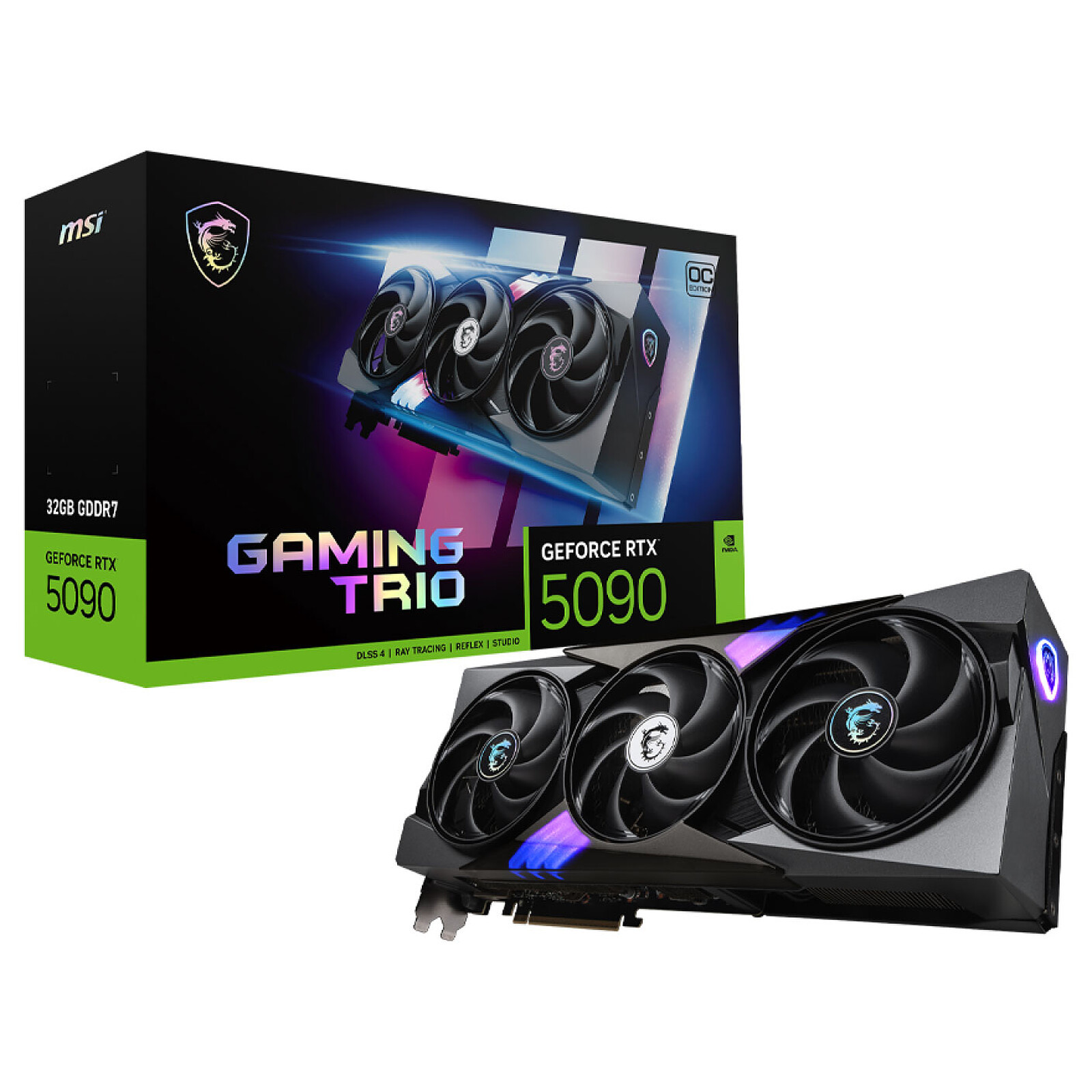
UE5’s graphical systems are GPU-bound. Nanite geometry floods your GPU with billions of micro-triangles, while Lumen calculates real-time lighting and reflections. Hardware ray tracing multiplies this workload, making your graphics card the single biggest determinant of your experience.
GPU Comparison Table
| Tier | GPU | VRAM | 1440p Ultra + RT Performance | Ideal For |
|---|---|---|---|---|
| Mid-Range | RTX 5070 | 12 GB | ~70 FPS (DLSS Balanced) | Great value / Moderate RT |
| Mid-Range | RX 8800 XT | 16 GB | ~75 FPS | Rasterization focused |
| High-End | RTX 5080 | 16 GB | ~100 FPS | Full RT at 1440p |
| High-End | RX 8900 XT | 20 GB | ~95 FPS | Superb texture handling |
| Flagship | RTX 5090 | 24 GB | 120 + FPS | Max settings + future proof |
Explanation:
The RTX 5070 and RX 8800 XT are the sweet-spot GPUs for most gamers, delivering playable frame rates at 1440p with moderate ray tracing.
If you want full ray tracing and max settings, the RTX 5080 or RX 8900 XT will let you do that comfortably.
For professionals or content creators, the RTX 5090 is unmatched, offering future-proof power, high VRAM capacity, and the smoothest ray-traced performance possible.
DLSS vs FSR Performance Impact
| Feature | DLSS 3.5 (NVIDIA) | FSR 3 (AMD) |
|---|---|---|
| Upscaling Quality | Excellent–near native | Good–slightly softer |
| Frame Generation | ✅ Available | ✅ Available |
| Latency | Lower with Reflex | Slightly higher |
| Ideal Use | Ray Tracing builds | Rasterization builds |
Explanation:
DLSS 3.5 delivers the highest-quality AI-based upscaling and integrates with NVIDIA Reflex for lower input latency, perfect for competitive MMO players. FSR 3 has improved substantially and is an excellent open-standard choice for AMD users. Both can boost FPS by 25 – 40 % at 1440p Ultra settings.
Best CPU for Chrono Odyssey in 2026
MMO Performance & CPU Bottlenecks
Chrono Odyssey constantly streams new assets, performs real-time combat calculations, and manages hundreds of active threads for AI and physics. A weak CPU will cause FPS drops and “CPU limited” frame pacing, especially in towns or raid events.
Recommended CPUs by Tier
| Tier | CPU | Cores / Threads | Cache | Highlights |
|---|---|---|---|---|
| Budget | Ryzen 5 9600 | 6 / 12 | 32 MB | Excellent value entry chip |
| Budget | Core i5-15600K | 6 P + 8 E | 24 MB | Overclocking potential |
| Sweet Spot | Ryzen 7 9800X3D | 8 / 16 | 96 MB | Unreal Engine champion |
| Sweet Spot | i7-15700K | 8 P + 12 E | 36 MB | Multitasking balance |
| High-End | Ryzen 9 9950X | 16 / 32 | 80 MB | Great for gaming + streaming |
| High-End | i9-15900K | 8 P + 16 E | 36 MB | Peak clock + multicore power |
Explanation:
AMD’s 3D V-Cache CPUs (like the 9800X3D) excel in Unreal Engine 5 titles due to their large L3 cache, which keeps asset data closer to the CPU, reducing latency.
Intel’s hybrid architecture offers excellent multitasking and thermal control, ideal for gamers who also stream or record gameplay.
RAM Requirements for UE5 MMOs
| Capacity | Speed | Impact | Recommendation |
|---|---|---|---|
| 16 GB DDR5 | 5200 MHz | May bottleneck heavy scenes | ⚠️ Minimum |
| 32 GB DDR5 | 6000 MHz | Excellent balance for gaming + apps | ✅ Best Choice |
| 64 GB DDR5 | 6400 MHz | For content creators + future proofing | 🔥 Premium |
Explanation:
UE5 titles allocate substantial memory for world data, shaders, and streaming textures. Background tasks (voice chat, browsers, recording software) further consume RAM.
While 16 GB may still “run” Chrono Odyssey, 32 GB DDR5 ensures seamless transitions and eliminates hitching when entering populated zones or dungeons.
Storage: NVMe Is Mandatory
| Type | Interface | Read Speed | Load Times (Chrono Odyssey) | Verdict |
|---|---|---|---|---|
| SATA SSD | SATA III | ~550 MB/s | 25 – 30 s | ❌ Outdated |
| NVMe PCIe 4.0 | Gen 4 × 4 | ~7000 MB/s | 8 – 10 s | ✅ Best Balance |
| NVMe PCIe 5.0 | Gen 5 × 4 | ~12 000 MB/s | 6 – 8 s | ⚡ Premium Option |
Explanation:
Chrono Odyssey’s open world relies on rapid streaming of high-detail assets. SATA SSDs will cause pop-in or micro-stutters when moving through dense regions.
An NVMe Gen 4 drive (like a Samsung 990 Pro or WD SN850X) delivers a huge boost to loading times and stability. PCIe 5.0 is even faster, but the real-world difference is minor for gaming alone.
PSU + Cooling for Ray Tracing Builds
| Tier | PSU Wattage | Efficiency | Ideal Pairing |
|---|---|---|---|
| Mid-Range | 750 W | 80 + Gold | RTX 5070 / RX 8800 XT |
| High-End | 850 W | 80 + Gold | RTX 5080 / RX 8900 XT |
| Enthusiast | 1000 W | 80 + Platinum | RTX 5090 builds |
Explanation:
Modern GPUs can spike above 400 W under ray tracing load. A quality PSU ensures voltage stability and system longevity. Avoid low-end brands; invest in modular, gold-rated units from Corsair, Seasonic, or be quiet!
Cooling:
- Air Coolers like the DeepCool AK620 offer superb thermals on mid-tier CPUs.
- AIO Liquid Coolers (240 – 360 mm) handle high-core-count CPUs with better acoustic performance.
Efficient cooling maintains CPU boost clocks during long MMO sessions, preventing FPS dips due to thermal throttling.
Recommended Full PC Builds (2026)
| Build Name | Est. Cost | Key Components | Target FPS (1440p) | Best For |
|---|---|---|---|---|
| $1,500 – Balanced 1440p High | $1 ,500 | RTX 5070 / RX 8800 XT, Ryzen 5 9600, 32 GB DDR5, 1 TB NVMe | 70 – 85 FPS | Budget Gamers |
| $2,000 – 1440p Ultra + RT | $2,000 | RTX 5080 / RX 8900 XT, Ryzen 7 9800X3D, 32 GB DDR5, 2 TB NVMe | 90 – 110 FPS | Future-Ready |
| $3,000 + – Enthusiast Build | $3,000–3,200 | RTX 5090, Ryzen 9 9950X, 64 GB DDR5, 2 TB PCIe 5.0 NVMe | 120 + FPS / 4 K capable | Creators + Hardcore |
Explanation:
Each tier balances performance, thermals, and longevity. The $1,500 build targets competitive players who prioritize frame rate over full ray tracing.
The $2,000 configuration strikes the best balance between performance and efficiency for 1440p Ultra.
The $3,000 build is an uncompromising monster: ideal for streamers and enthusiasts who also play UE5 titles like ARK 2 or Project Mugen.
Settings Guide for Maximum FPS


| Setting | Recommendation | FPS Impact | Description |
|---|---|---|---|
| Shadows | Medium | +10 FPS | Visually subtle / performance boost |
| Lumen GI | Medium / High | +15 FPS | Controls indirect lighting accuracy |
| Ray Tracing | On (Balanced) | −20 FPS | Improves reflections / light bounce |
| DLSS / FSR | Quality Mode | +30 FPS | Maintains clarity at higher FPS |
Explanation:
Tuning these four settings can mean the difference between 60 and 120 FPS. DLSS / FSR’s Quality mode is particularly efficient: you gain frame rate without visible loss in sharpness.
If you’re GPU-limited, lower shadows or global illumination first before disabling ray tracing entirely.
Future-Proofing for Other UE5 Games
The UE5 ecosystem is expanding rapidly. Building a Chrono Odyssey-ready PC means you’re also set for future AAA MMOs and open-world titles.
Games like ARK 2, Project Mugen, and Black Myth: Wukong share similar rendering architectures.
Future trends (2026–2027):
- 16 GB VRAM will become the minimum for high-end gaming.
- 32 GB RAM will be the new standard baseline.
- PCIe 5.0 SSDs will load entire worlds in seconds.
By investing now, your build remains powerful for at least the next 4–5 years of UE5-based releases.
My Fianl Note on The Ultimate Chrono Odyssey Build for 2026
Building the best PC for Chrono Odyssey is about balance, not excess. With the game delayed into Q4 2026/Q1 2027, you have time to build smart and avoid the GDDR7 price bubble.
At 1440p, the Ryzen 7 9800X3D + RTX 5080 combo is the golden pairing, offering top-tier FPS, ray tracing performance, and long-term viability.
Pair it with 32 GB DDR5 RAM, a DirectStorage NVMe SSD, and a 750–850 W PSU, and you’re set for not just Chrono Odyssey, but every Unreal Engine 5 MMO coming through 2027.
Build for today’s experience, but optimize for tomorrow’s generation.